Overlapping is fine
Crops are independent, so they can overlap each other and any grid. Take a wide banner and a close-up from the same area.
Crop tool
Draw as many rectangular crops as you like on a single image, such as a logo, a product shot or a button, and download each one at its true size in one go.
Free · No sign-up · Images stay on your device
Open your image in the splitter and choose the Crops mode.
Drag to draw a rectangle, move it, or pull its handles. Type X, Y, width and height for pixel-exact edges.
Each crop becomes its own file, in the order you choose, named crop1, crop2 and so on.
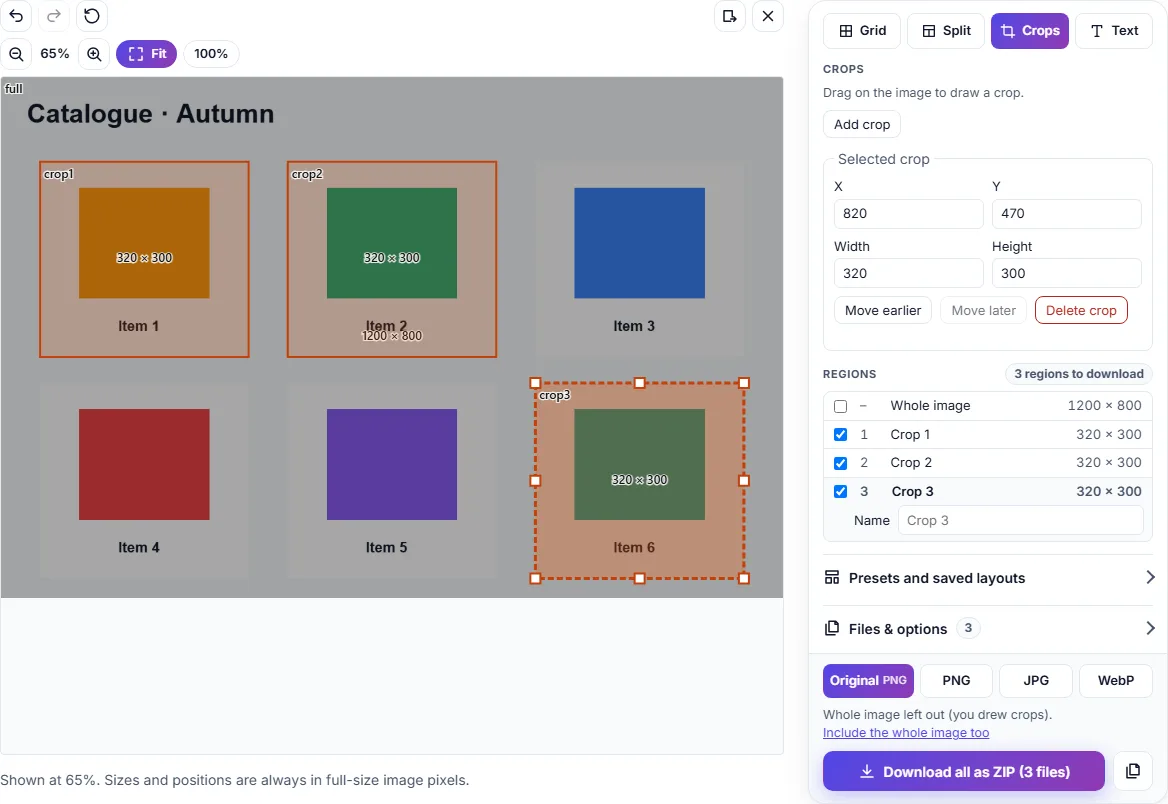
Crops are independent, so they can overlap each other and any grid. Take a wide banner and a close-up from the same area.
Combine a grid with extra crops in one export. If you only draw crops, the whole image is left out automatically.
Nudge a selected crop by 1 px with the arrow keys (10 px with Shift), reorder crops, and undo any change.
Your image is processed on your device and never uploaded, so it's safe for unreleased designs and client work.
All of them run in your browser, with no sign-up and no uploads.
Change width and height in pixels or percent.
Make image files smaller.
Convert between JPEG, PNG and WebP.
Add titles, captions and labels.