Search for "Instagram image size" and you'll find a dozen guides with a dozen different numbers. Many are copied from each other, and some are years out of date.
This page only lists sizes the platforms publish in their own help pages, with a link to each page and the date we checked it. Platforms change these from time to time, so check the source if something looks different. We'll update this page every six months.
Last checked: 21 October 2026.
The short version
| Where | Size | Shape |
|---|---|---|
| Instagram post, square | 1080 × 1080 px | 1:1 |
| Instagram post, portrait | 1080 × 1350 px | 4:5 |
| Instagram post, tallest | 1080 × 1440 px | 3:4 |
| Instagram post, landscape | 1080 × 566 px | 1.91:1 |
| Facebook Page profile picture | 320 × 320 px | 1:1, shown as a circle |
| Facebook Page cover photo | 851 × 315 px, under 100 KB | wide |
| Link preview (Facebook and others) | at least 1200 × 630 px | 1.91:1 |
| LinkedIn photo post | 1080 px wide | 3:1 to 4:5 |
| LinkedIn Page post with a link | 1200 × 627 px | 1.91:1 |
| LinkedIn Page logo | 400 × 400 px | 1:1 |
| LinkedIn Page cover | 1512 × 256 px | wide |
The details and sources follow.
Instagram's Help Centre article Image resolution of photos you share on Instagram says:
- Photos are shared up to 1080 pixels wide. Wider photos are reduced to 1080 px; narrower than 320 px are enlarged to 320 px.
- A photo keeps its original resolution when its shape is between 1.91:1 and 3:4: "a width of 1080 pixels with a height between 566 and 1440 pixels".
- Photos outside that range are cropped to fit.
So for a post, make your photo 1080 px wide and anything from 566 px to 1440 px tall. The tallest shape, 3:4 (1080 × 1440), takes up the most space in the feed. Many older guides say the tallest is 4:5 (1080 × 1350); that's still accepted, but no longer the limit.
The profile grid shows posts as 3:4 thumbnails too. If you want one big picture across nine posts, see how to make a 3 × 3 Instagram grid from one photo.
Facebook's Help Center article Facebook Page profile picture and cover photo dimensions covers Pages:
- Profile picture: "should be 320 pixels wide and 320 pixels tall for best quality". It's cropped to a circle, so keep your logo or face in the middle.
- Cover photo: "must be at least 400 pixels wide and 150 pixels tall" and "loads fastest as an sRGB JPG file that's 851 pixels wide, 315 pixels tall and less than 100 kilobytes".
- The cover is shown at different shapes on computers and phones, and the profile picture overlaps it on phones, so keep text and faces away from the edges.
- For profile pictures and covers with a logo or text, Facebook says "you may get a better result by using a PNG file".
We couldn't find a single size Facebook publishes for ordinary photo posts, so we don't give one here.
Link previews: when you share a link to a website, the picture comes from the page itself. Meta's developer documentation, Images in Link Shares (updated 30 June 2026), says to use images of at least 1200 × 630 pixels, as close to 1.91:1 as possible, and no bigger than 8 MB. Many other sites read the same picture, so it's worth getting right.
LinkedIn's Help article Share photos on LinkedIn says, for photos in posts:
- The upload limit is 5 MB.
- Photos must be at least 552 × 276 pixels; LinkedIn recommends 1080 pixels wide.
- The shape can range from 3:1 to 4:5 (wide to tall).
For company pages, Image specifications for your LinkedIn Pages and Career Pages says:
- All images must be PNG or JPEG, up to 3 MB.
- Logo: 400 × 400 pixels recommended (at least 268 × 268).
- Cover image: 1512 × 256 pixels.
- Custom image on a Page post with a link: a 1.91:1 ratio, 1200 × 627 pixels, more than 200 pixels wide. Other shapes are shown with white padding.
How to get each size from your photo
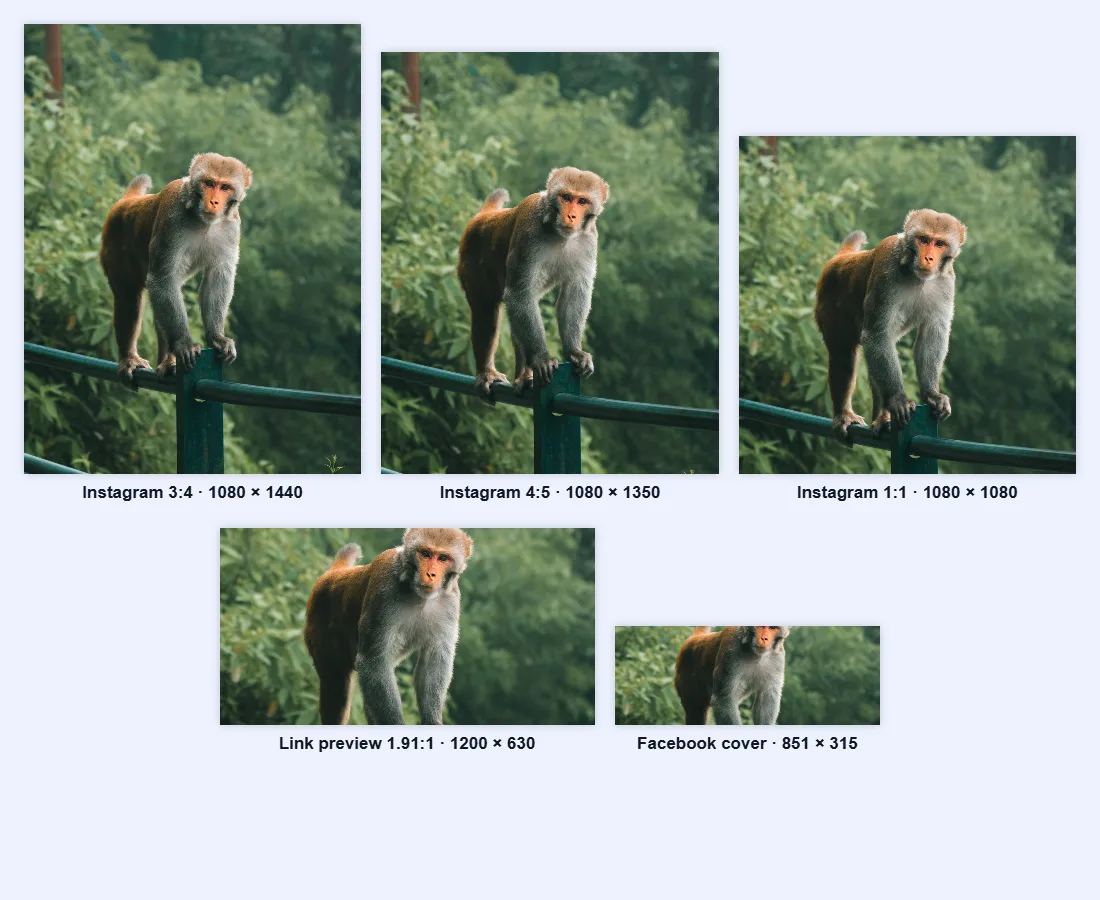
The image resizer has presets for the most common ones: Instagram 1:1, Instagram 4:5, Instagram 3:4 and Link preview (1200 × 630). Click one and the width, height and shape are set for you.
For any other size, such as the 851 × 315 Facebook cover:
- Click the chain button between Width and Height to unlock it, then type both numbers.
- Keep Crop to fill selected so the picture isn't stretched.
- Drag the frame in the Preview to choose which part of the photo to keep.
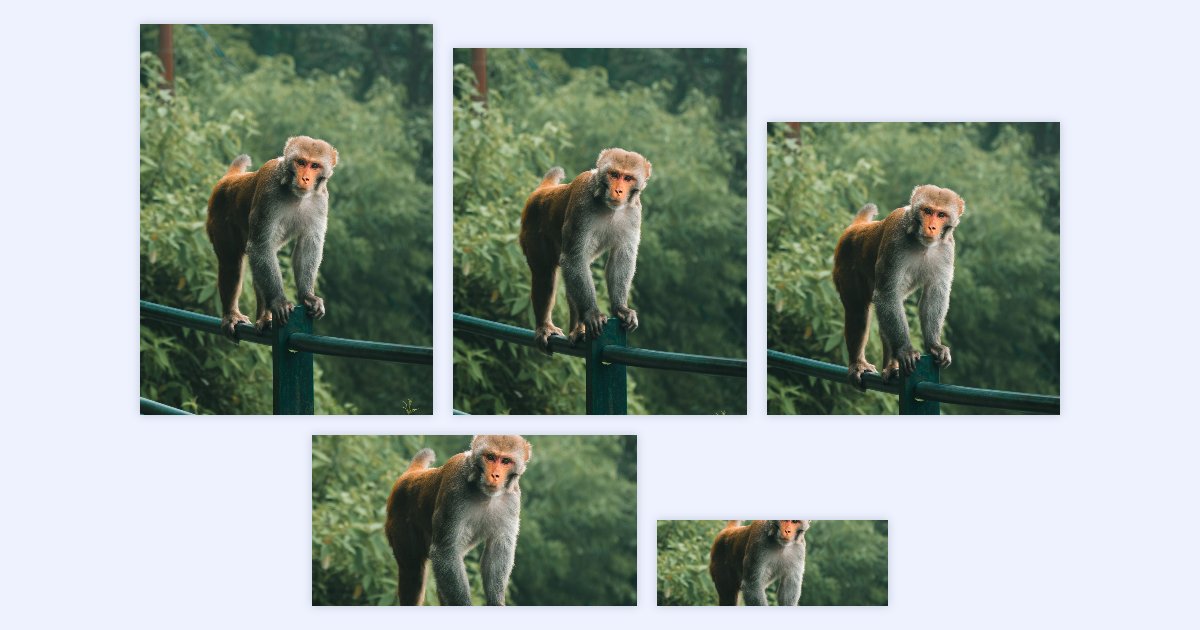
Here's one photo cropped to five of the shapes above with the resizer:
To post several photos at the same size, the resizer can do up to 20 at once: see how to resize many images to the same width at once.
Watch the file size too
- Facebook covers load fastest under 100 KB. The 100 KB compressor gets a cover under that limit at the best quality that fits.
- LinkedIn Page images must be under 3 MB, and photo posts under 5 MB. Photos straight from a phone are often bigger. The resizer's Max file size setting takes care of both size and weight in one step.
Questions
Why does my Instagram photo get cropped? It's probably taller than 3:4 or wider than 1.91:1. Crop it to a supported shape first, so you choose what's kept rather than the app.
Should I upload bigger than 1080 px for Instagram? You can, but Instagram reduces it to 1080 px wide anyway. Starting at exactly 1080 px means you see what your followers see.
Are these sizes final? No. Platforms change them now and then. We checked every number here on 21 October 2026 and will check again every six months. If a platform's own help page says something different, follow the platform.